Pi Hole🥧🕳️ Project
My Pi Hole Setup🥧🕳️
Setting Up a Pihole for your home network to manage DNS traffic and DHCP to block ads, trackers and some malware
-
See Pi-Hole🥧🕳️ Setup
-
See DNS Records💿
-
Pretty useful if you want to block all sorts of ads, popup ads, in app ads, some youtube ads, banner ads.
-
Also helps block certain malware from connecting to malicious domains by acting as a DNS sinkhole.
-
Also usefull if you got children, and if you have them online, you will do the responsible thing and learn to manage their content. PI hole is one way which allows you to block those pesky adult websites.
-
Using a simple regex expression within the pihole portal, will block any domains containing the indicated keywords or characters
(^|\.)((domain|keyword|adultwebsitename)[a-z0-9\-]*\.)[a-z]{2,}$
-
You can use blocklists on github such as https://raw.githubusercontent.com/StevenBlack/hosts/master/hosts to add to your piholes blocked domains. Or Tweak it yourself.
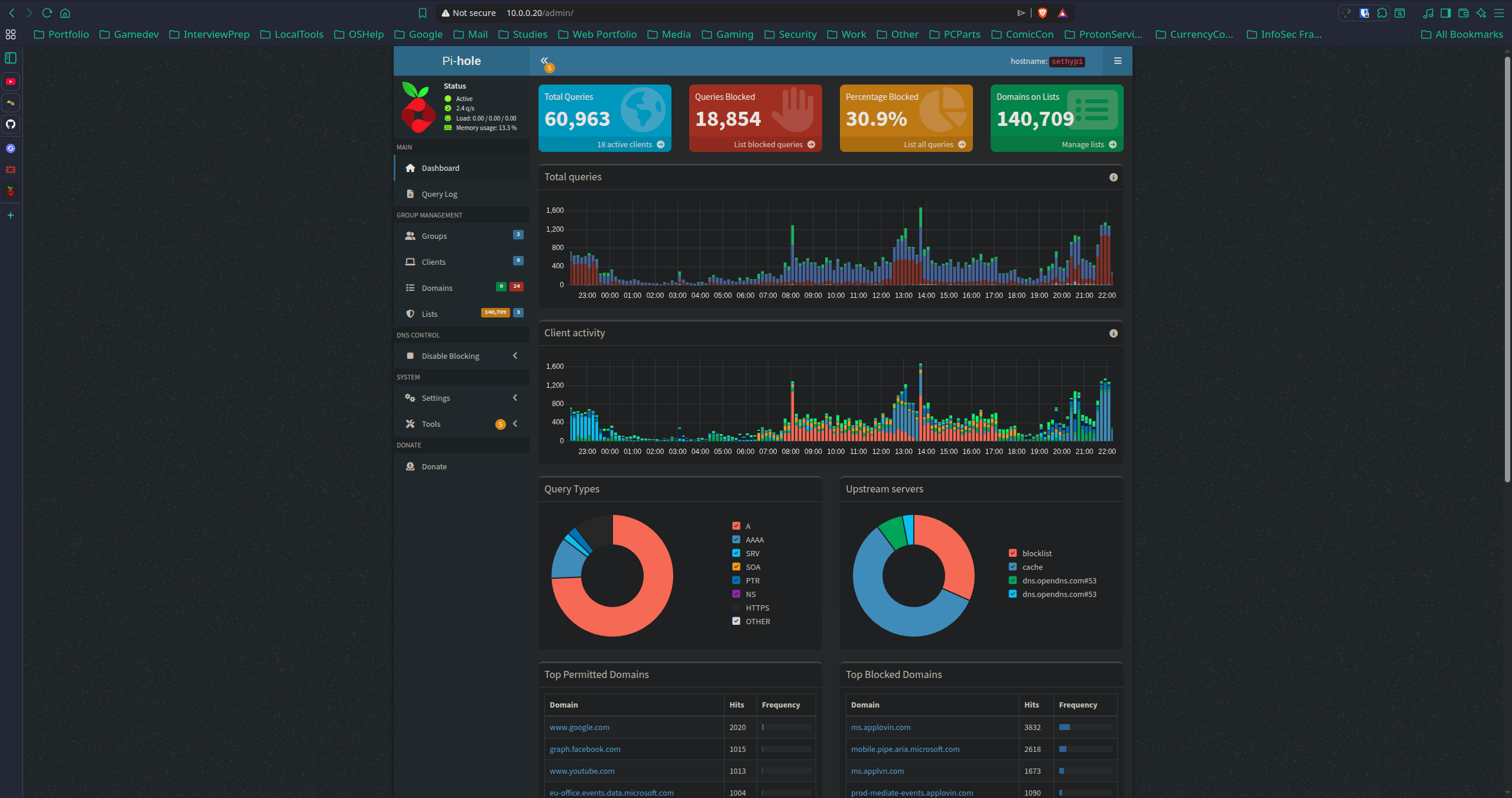
Here I have pi hole running on my Raspberry pi 4 which I got from PiShop.co.za
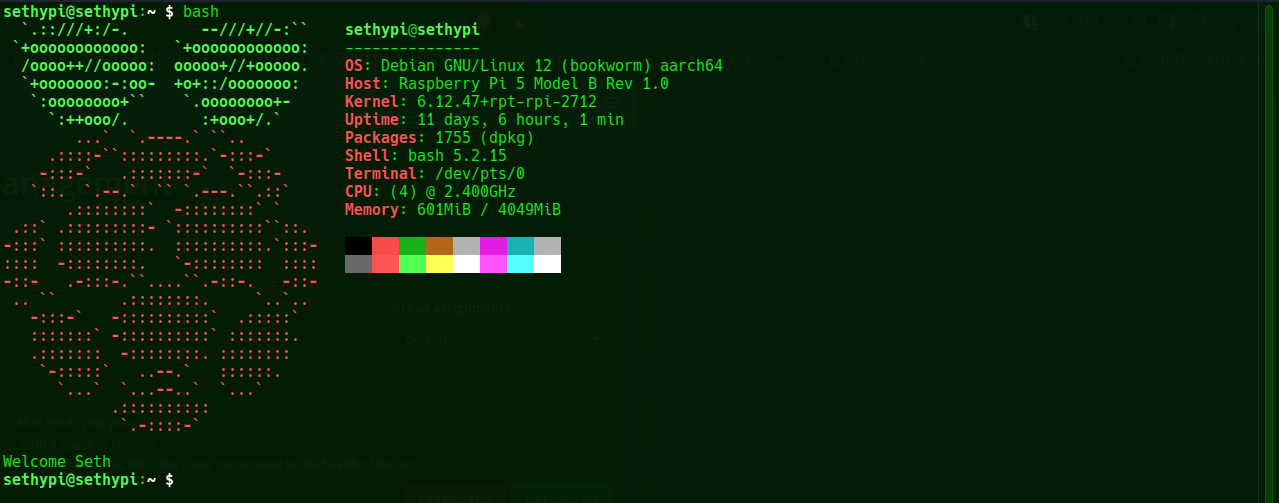
Here I have my Raspberry Pi open in my terminal window
DNS Records💿
Electric Meatball's Digital Garden Home
Linux Terminal Cheat Sheet
The Magical art of subnetting
The OSI Model
The TCP IP Model
Terminology📖